

Description
Canvas Motion Background Made Easy. CMXR lets you build and manage animated canvas motion backgrounds directly from the WordPress admin. Compose moving shapes — orbs, blobs, and multi-ring forms — that render on an HTML5 canvas, sit behind your page content, and are driven by a tiny vanilla-JS engine with zero frontend dependencies.
Key features:
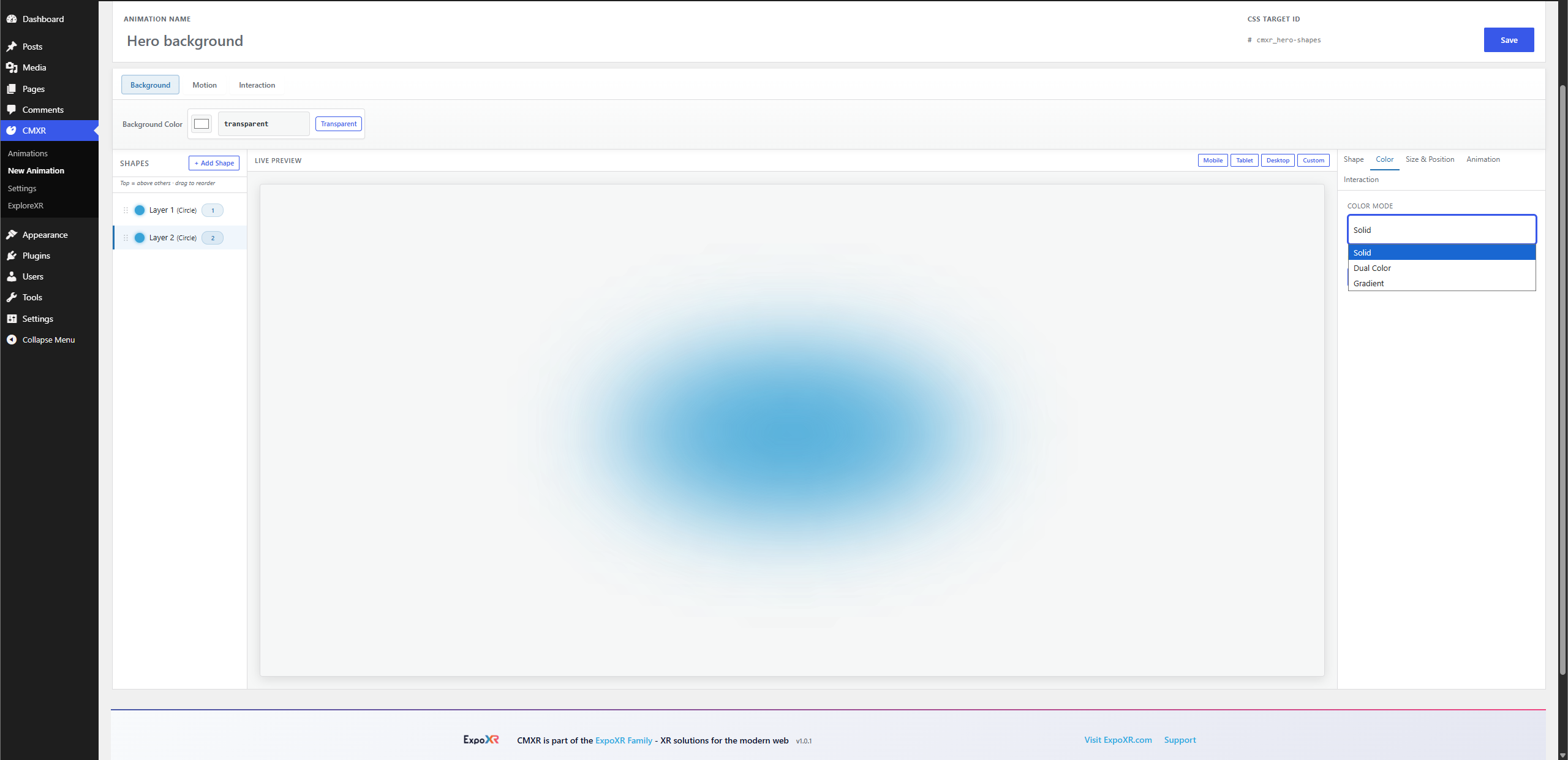
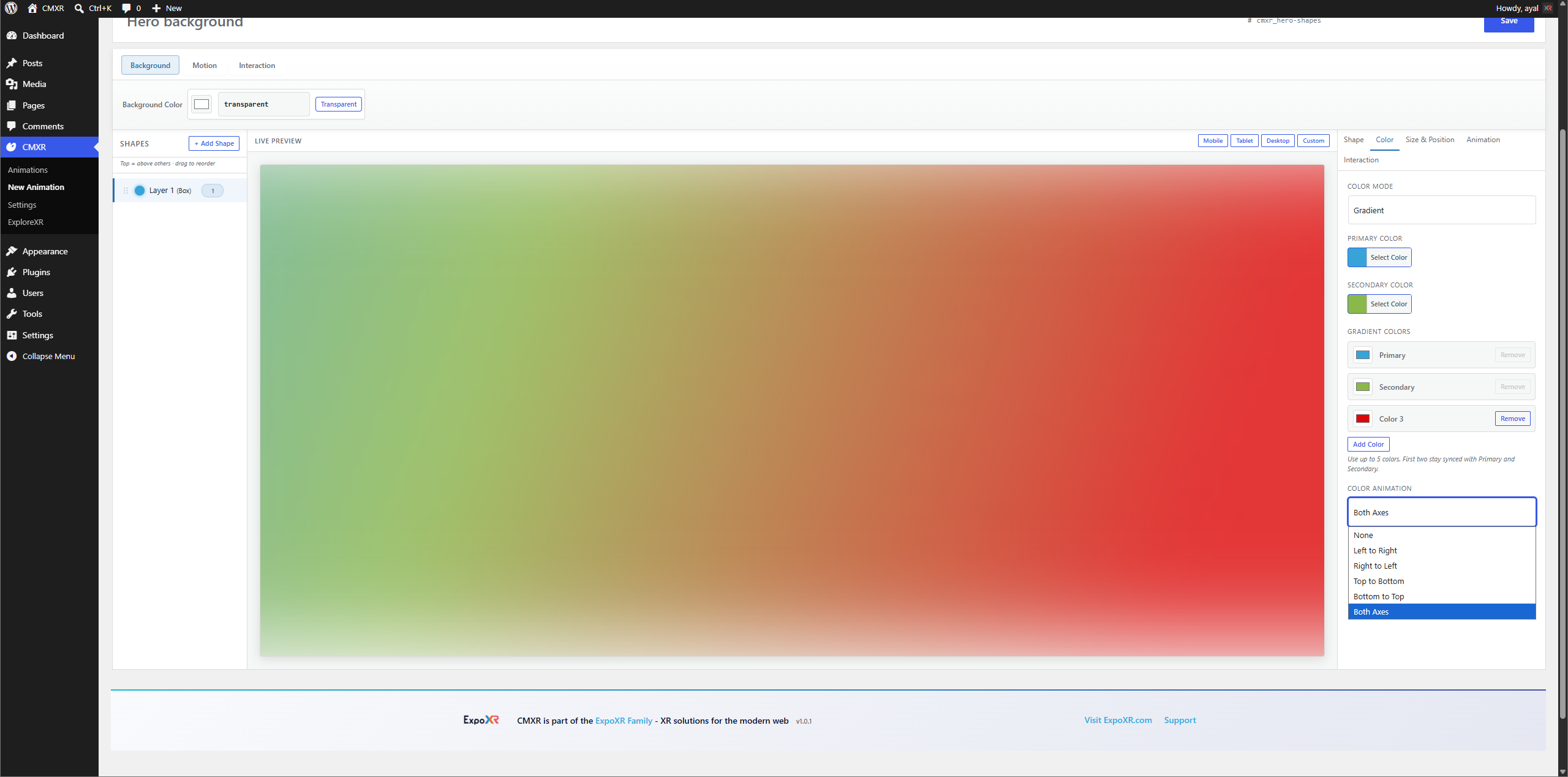
- Visual configurator — three-panel editor with live canvas preview, shape/color/animation controls, and real-time feedback
- Drag-to-reorder layers — drag shapes in the sidebar to control which one renders on top
- Layer badges — each shape shows its layer number (1 = topmost)
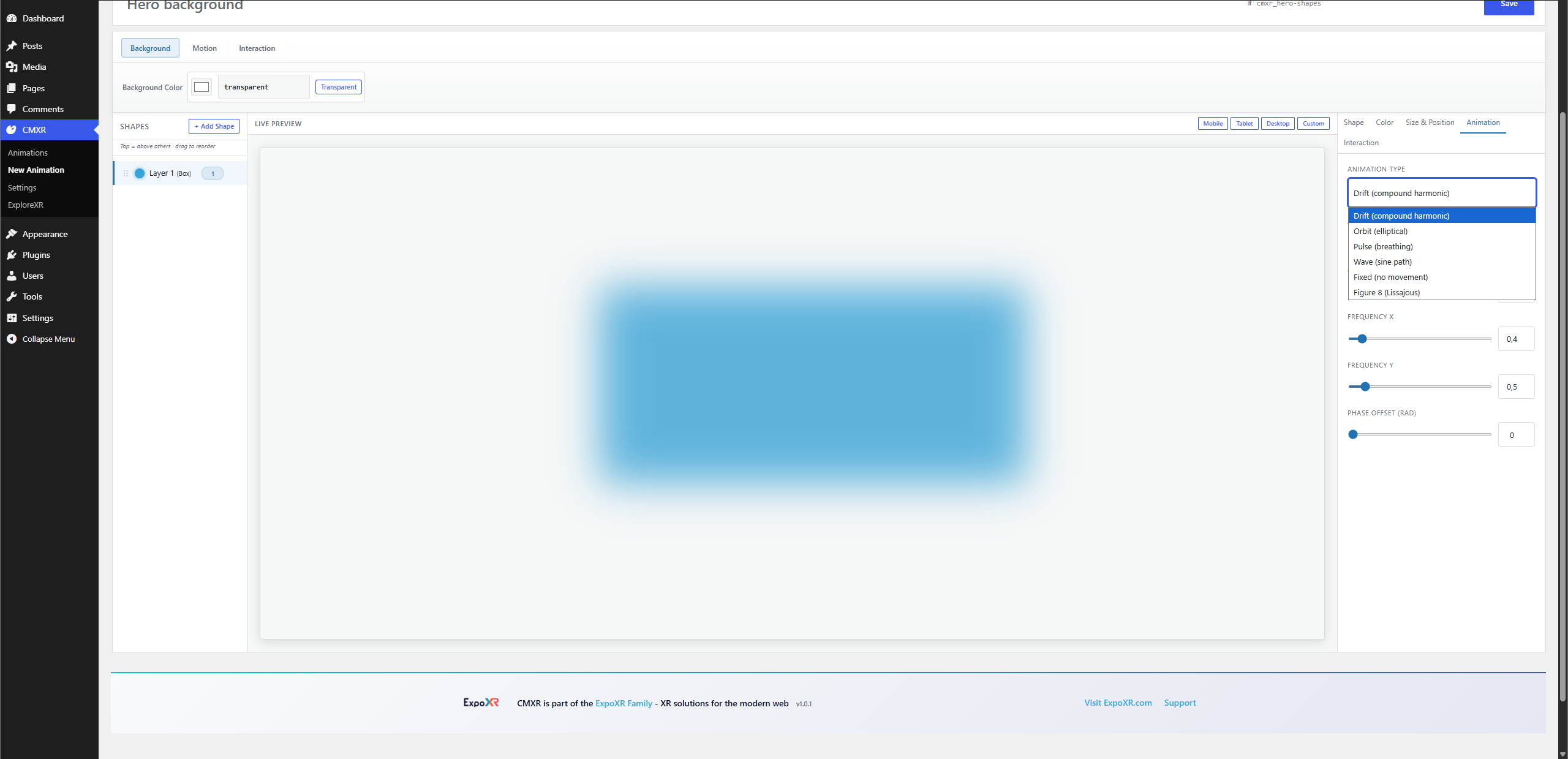
- 6 animation types — Drift, Orbit, Pulse, Wave, Fixed, Figure-8 (Lissajous)
- Interactivity modes — Parallax, Repel, Attract
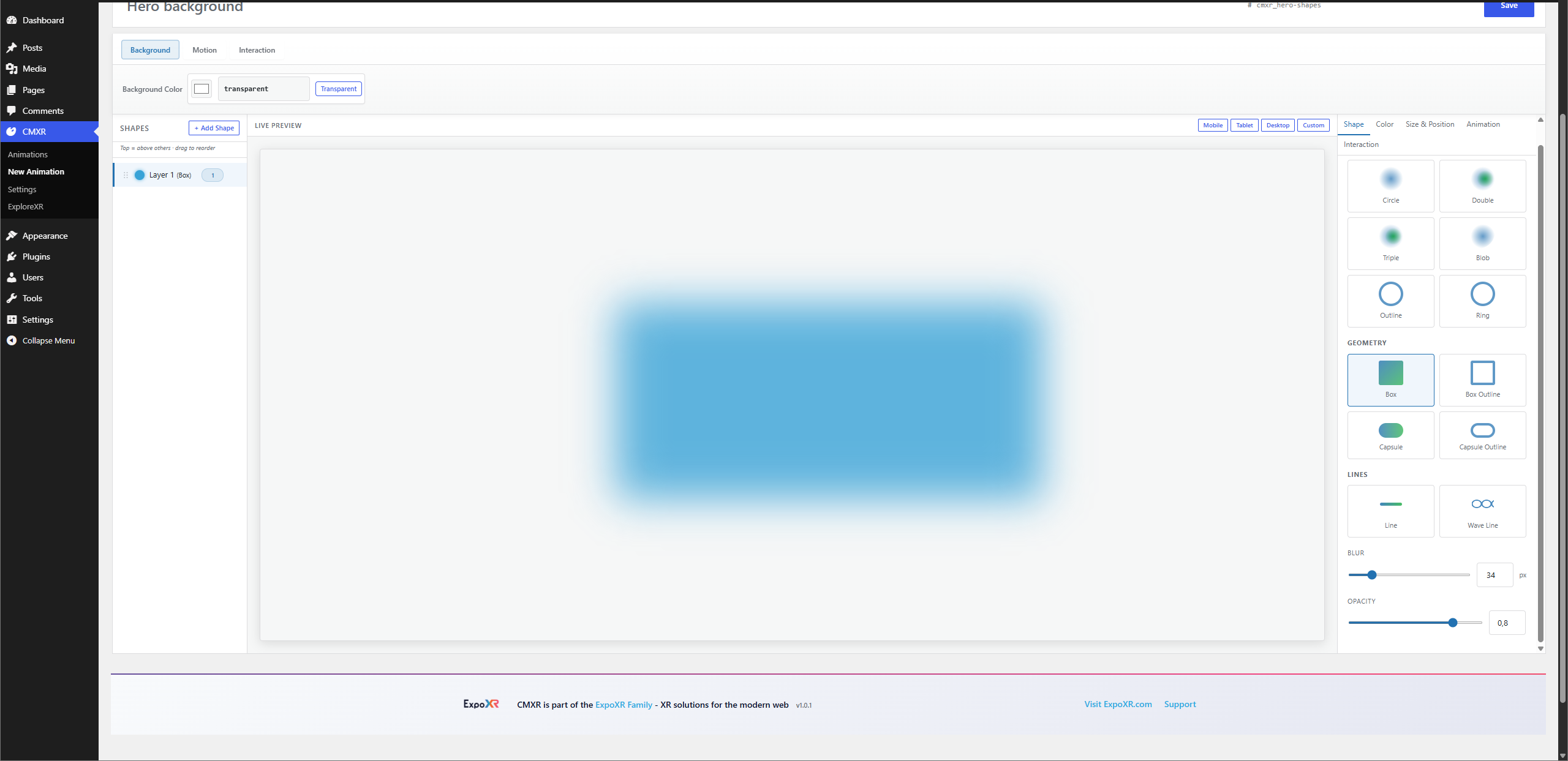
- 12 shapes — Soft Orbs (Circle, Double, Triple, Blob, Outline, Ring), Geometry (Box, Box Outline, Capsule, Capsule Outline), and Lines (Line, Wave Line)
- Blend modes — Screen, Normal, Multiply, Overlay, Lighten, Hard-Light
- REST API — full programmatic control over animations
- Performance — pauses off-screen (IntersectionObserver), respects
prefers-reduced-motion, DPR cap to limit canvas size on HiDPI screens - Any theme, any builder — works with Elementor, Divi, Gutenberg, or hand-coded HTML; just add a CSS ID
Screenshots
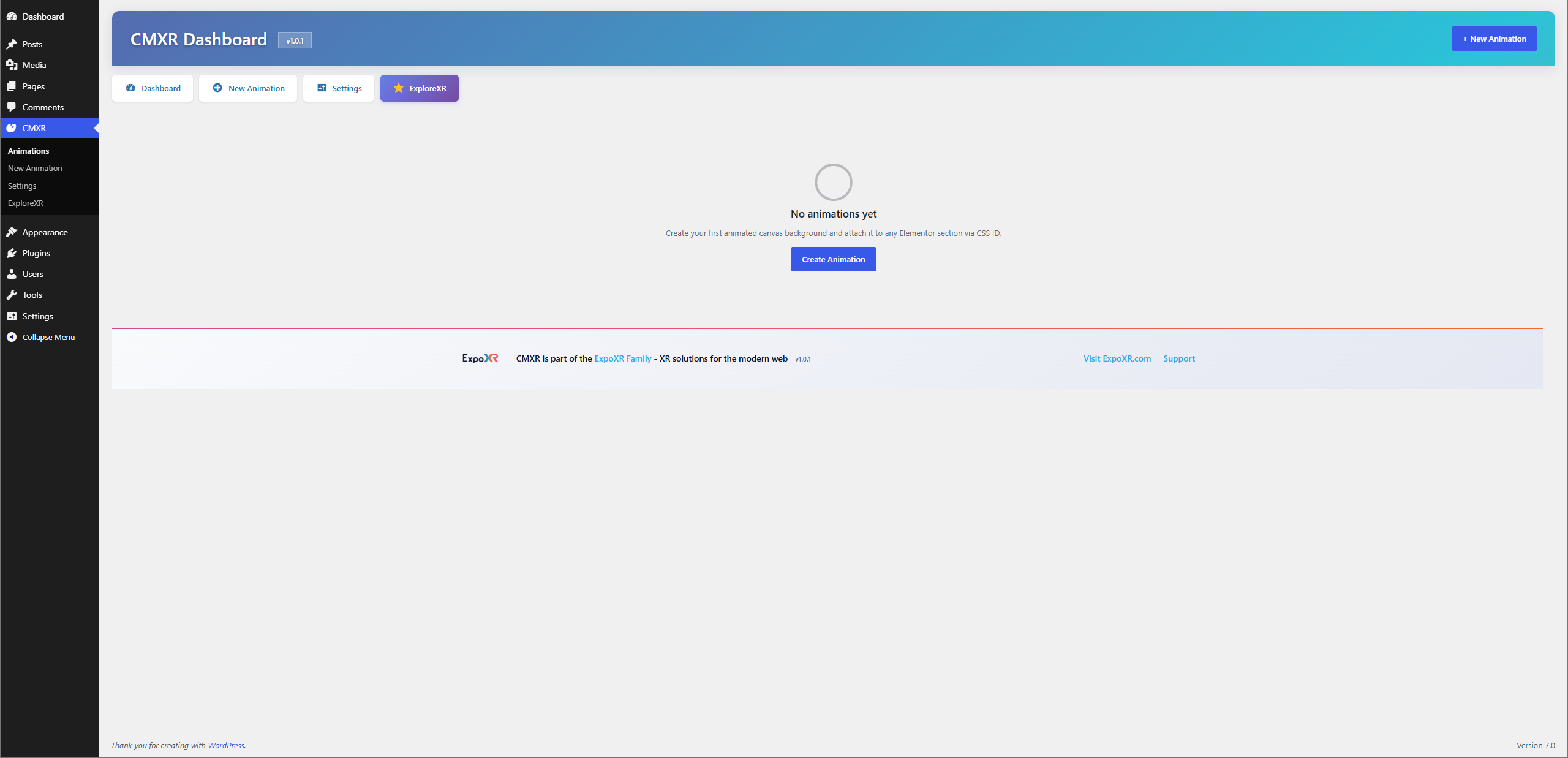
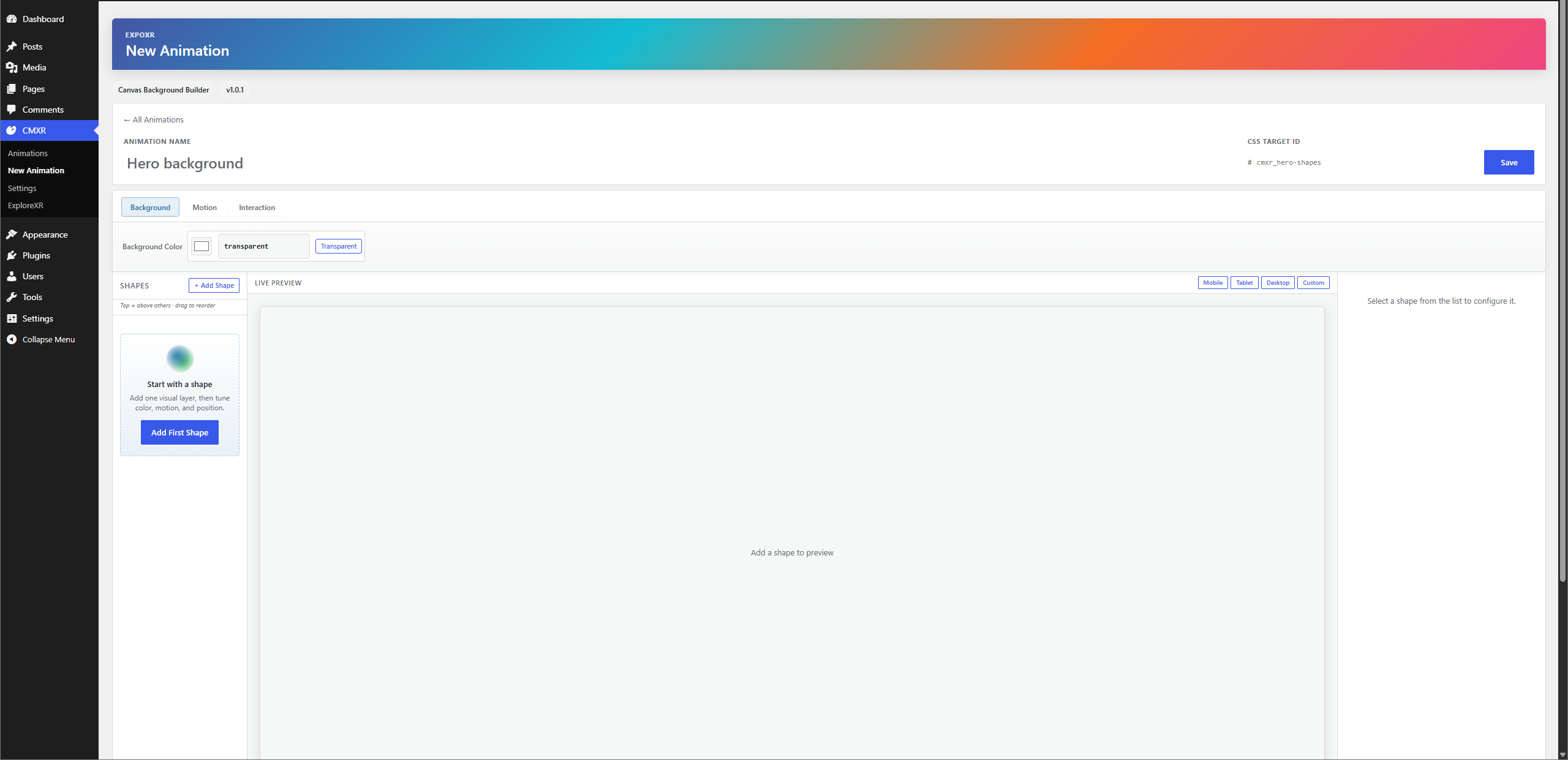
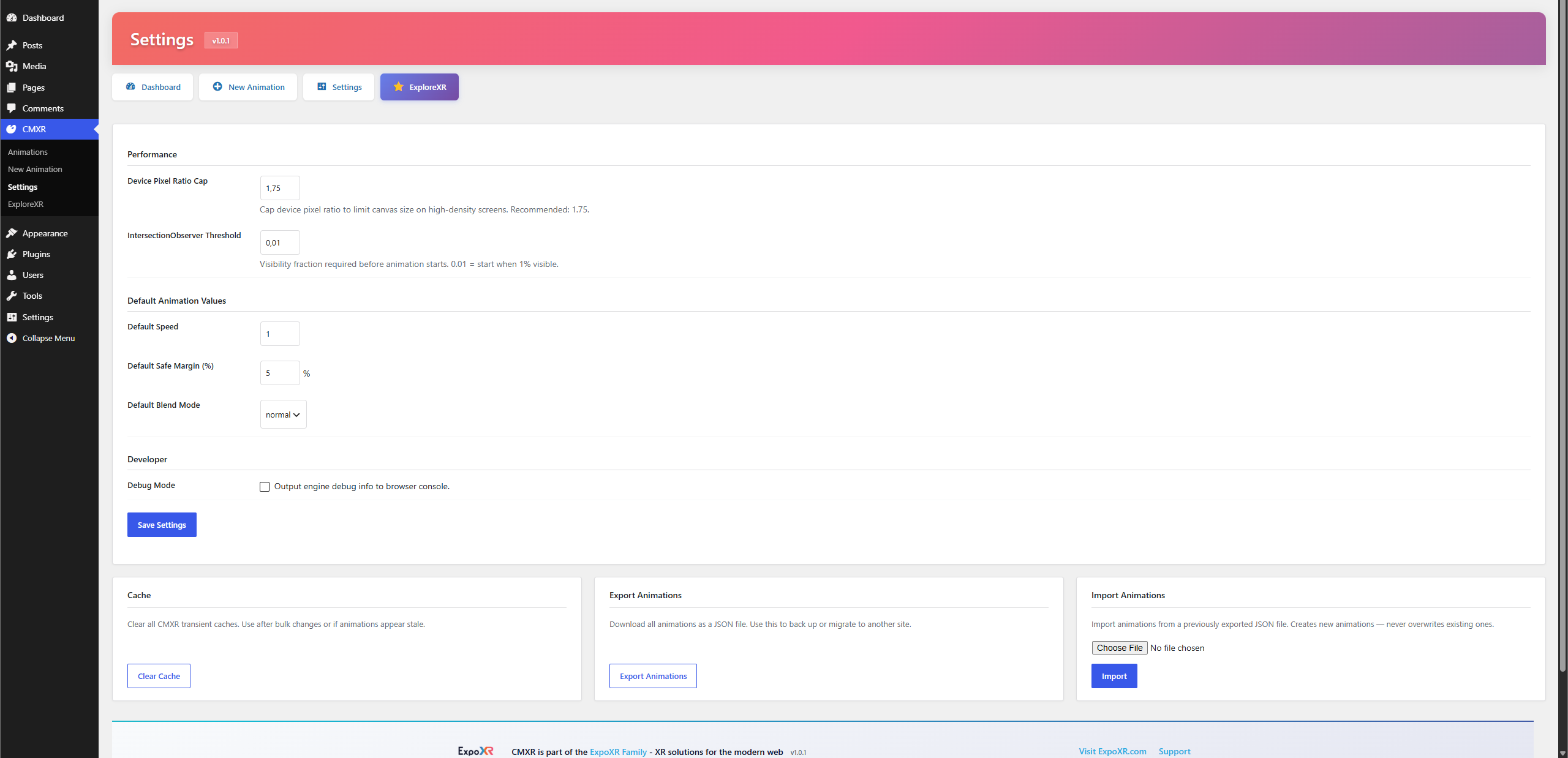
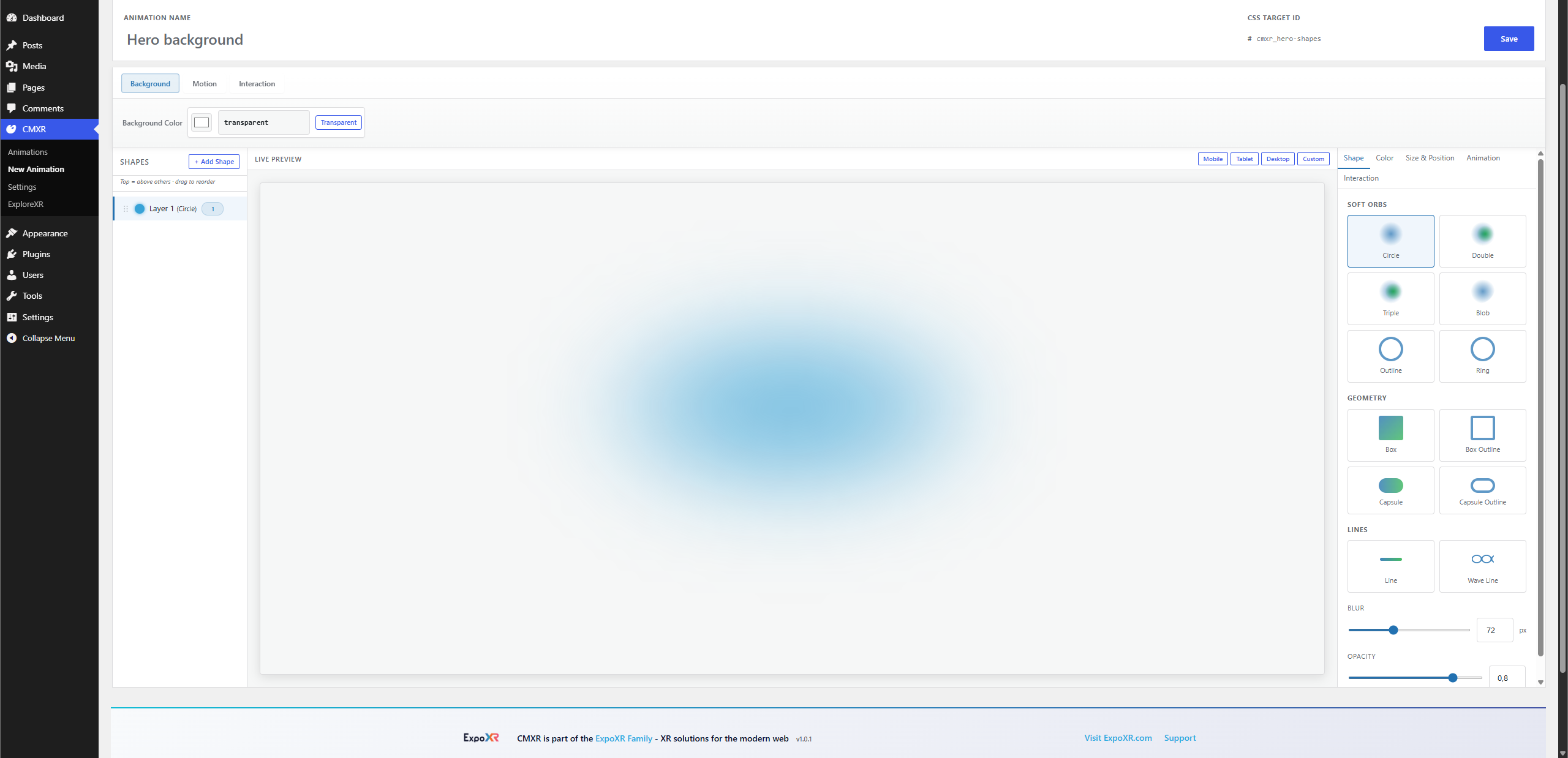
Installation
From ZIP
- Download the plugin ZIP
- Go to Plugins > Add New > Upload Plugin
- Upload the ZIP and click Install Now
- Activate the plugin
Manual
- Extract the
cmxr-canvas-motion-backgroundsfolder - Upload it to
/wp-content/plugins/ - Go to Plugins and activate CMXR
Usage
- Go to CMXR > New Animation in the WordPress admin
- Add shapes, configure colors, animation types, and sizes
- Note the Animation ID (e.g.,
hero-bg) - Add that ID as a CSS ID on any element in your page
- The animation renders automatically as the element’s background
FAQ
-
Does this require Elementor?
-
No. CMXR works with any theme or page builder. Add the CSS ID to any HTML element or Elementor section.
-
How do I control which shape appears on top?
-
Drag shapes in the configurator’s left sidebar. The shape at the top of the list renders above all others. The layer badge (number) shows each shape’s stacking order.
-
How do I attach an animation to an Elementor section?
-
In Elementor, open the section settings Advanced tab CSS ID field. Enter the Animation ID shown in the configurator or dashboard.
-
Why is the animation not showing?
-
- Verify the Animation ID is set in the configurator
- Confirm the animation is set to Active on the dashboard
- Confirm the CSS ID on your element exactly matches the Animation ID (case-sensitive)
- Check the Debug page (CMXR > Debug) for registered animations and asset URLs
-
Can I have multiple animations on one page?
-
Yes. Each animation targets a unique CSS ID. Add as many as you need.
-
Does it affect page performance?
-
The engine pauses automatically when the animated element is scrolled off-screen. It also respects the browser’s
prefers-reduced-motionsetting and caps the device pixel ratio (configurable in Settings) to control canvas resolution on HiDPI displays. -
Is there a limit on shapes per animation?
-
Up to 20 shapes per animation.
Reviews
There are no reviews for this plugin.
Contributors & Developers
“CMXR — Canvas Motion Backgrounds” is open source software. The following people have contributed to this plugin.
Contributors
Translate “CMXR — Canvas Motion Backgrounds” into your language.
Interested in development?
Browse the code, check out the SVN repository, or subscribe to the development log by RSS.
Changelog
1.0.1
- Fixed WordPress admin footer overlap on CMXR admin screens and configurator columns.
- Removed obsolete pre-release interactivity migration code.
- Added GPL-2.0 license file and translation template for publishing readiness.
1.0.0
- Initial release
- Canvas-based motion backgrounds with 6 animation types
- Visual 3-panel configurator with live preview
- Drag-to-reorder shape layers with layer number badges
- Layer ordering: top of list = visually on top on canvas
- Interactivity: Parallax, Repel, Attract
- 12 shapes: Circle, Double, Triple, Blob, Outline, Ring, Box, Box Outline, Capsule, Capsule Outline, Line, Wave Line
- 6 blend modes
- REST API for full programmatic control
- Duplicate, toggle-active, preview modal on dashboard
- Consistent admin UI across all pages (Settings, Debug, Configurator)
- Debug page with system info and config inspection
- Performance: IntersectionObserver pause, DPR cap, reduced-motion support
- WordPress 6.0+ and PHP 7.4+ compatible