
Description
PayPal Zettle POS (formerly iZettle) is a one-stop shop for cutting-edge commerce tools – offering everything you need to take quick payments, ease day-to-day management, and get the funding to grow.
The PayPal Zettle point-of-sale system allows you to take cash, card, contactless payments and more. Connect WooCommerce with PayPal Zettle POS to keep products and inventory in sync – all in one place. Keep your products up-to-date by managing them solely in WooCommerce, so you can focus on selling. Make a sale on either platform and your inventory will update instantly.
The PayPal Zettle POS for WooCommerce provides the following benefits:
– Connect in minutes – Connect your accounts, sync your library to PayPal Zettle and start selling.
– Export a collection or all of your products from WooCommerce to your PayPal Zettle product library.
– Manage products in one place and automatically synchronise all changes you make from WooCommerce to PayPal Zettle.
– Automatically synchronise stock amounts in real-time between WooCommerce and PayPal Zettle.
– Explicitly select products to be excluded from synchronisation to PayPal Zettle.
Zettle by PayPal is available in the following countries: US, GB, FR, SE, NO, FI, DK, NL, DE, ES, IT, BR, MX
Screenshots
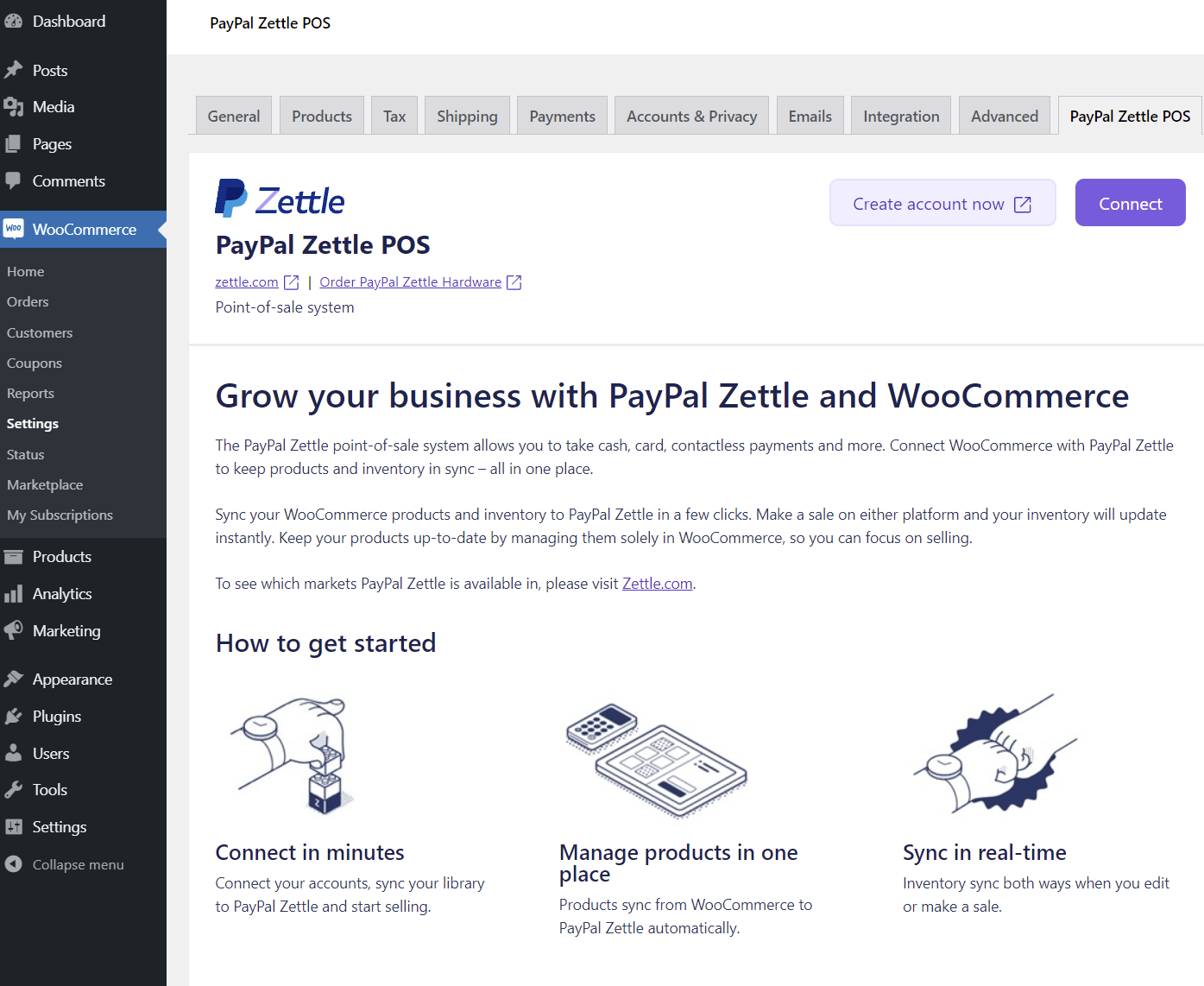
PayPal Zettle POS 
PayPal Zettle POS installation STEP 1 
PayPal Zettle POS installation STEP 2 
PayPal Zettle POS installation STEP 3 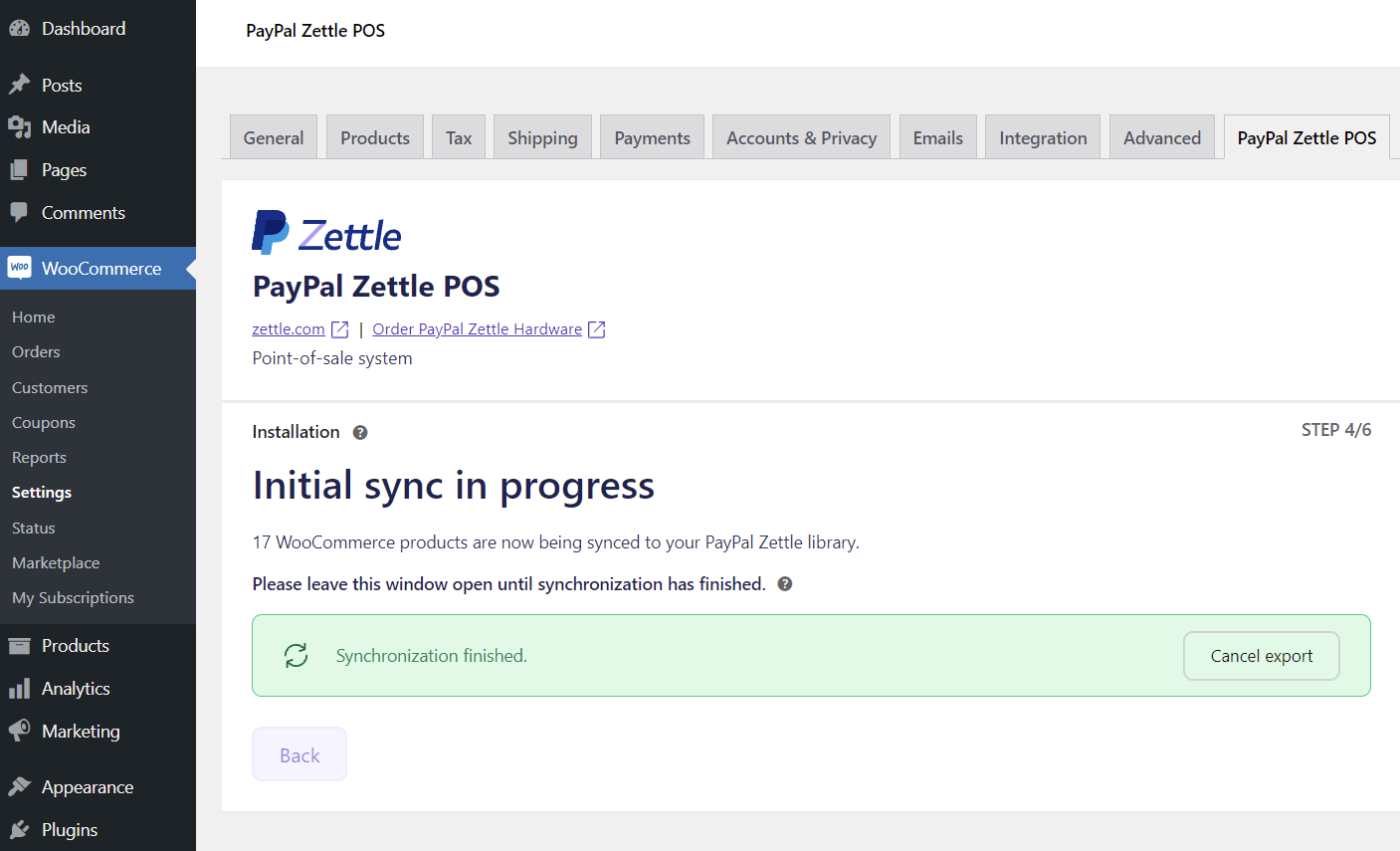
PayPal Zettle POS installation STEP 4 
Product sync almost finished 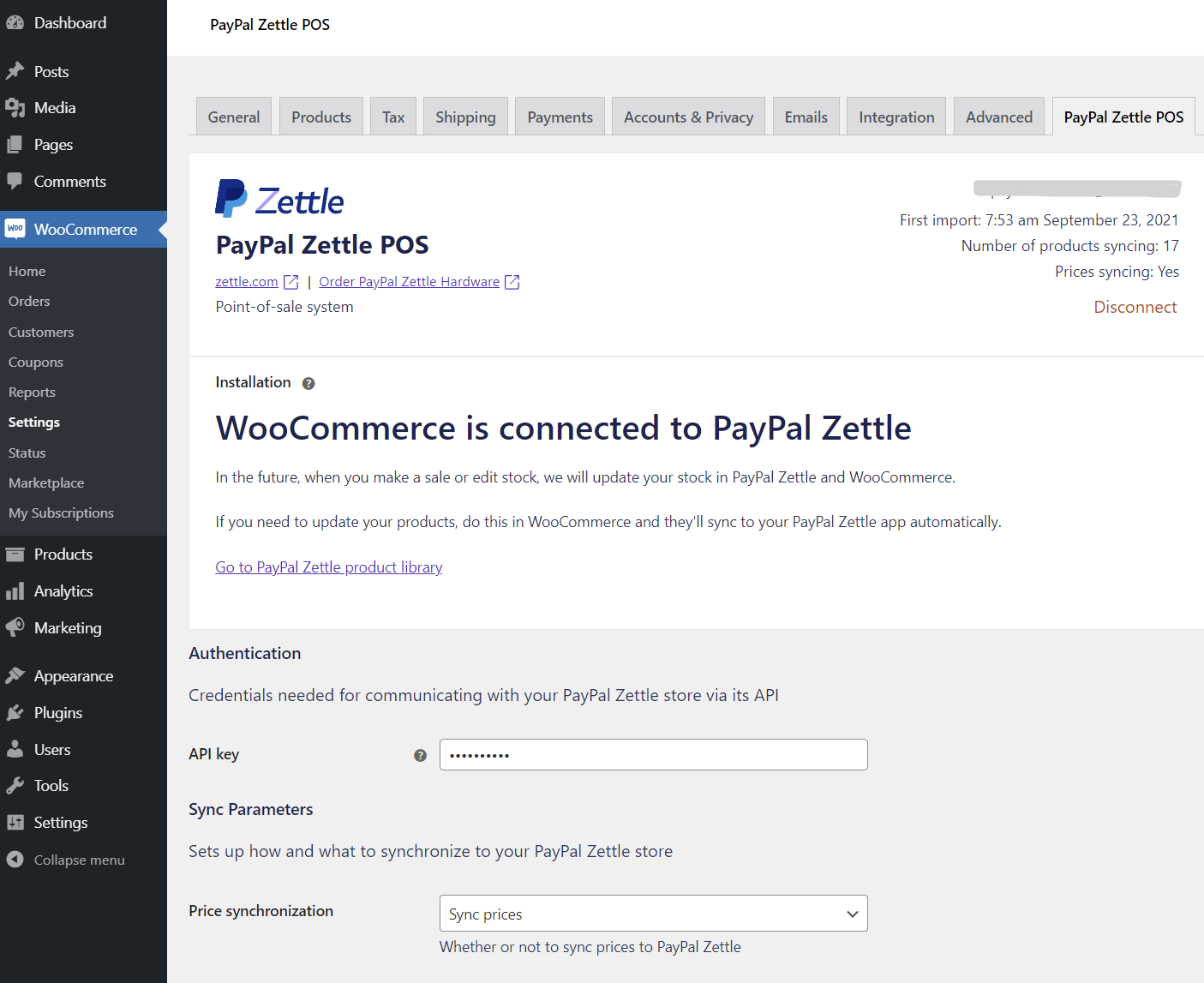
WooCommerce is connected to PayPal Zettle 
Exclude product from sync
Installation
To install and use the PayPal Zettle POS for WooCommerce you will need:
- An installed version of WordPress >= 5.4
- An installed and activated version of WooCommerce >= 4.3
- PHP version >= 7.2
Automatic Installation
This is the easiest way to install the Zettle POS Integration for WooCommerce.
1. Log into your WordPress installation.
2. Go to the menu item Plugins and then to Add new.
3. Search for Zettle POS Integration. In case several plugins are listed, check if Zettle is the plugin author.
4. Click Install Now and wait until WordPress reports the successful installation.
5. Activate the plugin. You can find the settings here: WooCommerce => Settings => Zettle POS Integration.
Manual Installation
In case the automatic installation doesn’t work, download the plugin from here via the Download-button.
Unpack the archive and load the folder via FTP into the directory wp-content\plugins of your WordPress installation.
Go to Plugins => Installed plugins and click Activate on Zettle POS Integration for WooCommerce.
Reviews


Contributors & Developers
“PayPal Zettle POS for WooCommerce” is open source software. The following people have contributed to this plugin.
Contributors


Translate “PayPal Zettle POS for WooCommerce” into your language.
Interested in development?
Browse the code, check out the SVN repository, or subscribe to the development log by RSS.
Changelog
1.5.7
- Fixed a link in the onboarding.
- Fixed handling of column name variable type in
manage_posts_custom_columnfilter. - Fixed some random stock sync failures (clearing cache).
1.5.6
- Migrate to inventory v3 API.
- Fixed database migration query error (in Query Monitor logs etc.).
1.5.5
- WC High-Performance Order Storage compatibility declaration.
- PHP 8.1 compatibility.
- Allow merchant with WC Shop Manager role to manage the plugin.
1.5.4
- Use WP HTTP client by default (added zettle-pos-integration.http.client filter for switching back to the php-http cUrl wrapper).
- Load product statuses in batches, not one per request.
- Do not subscribe to unneeded webhooks.
- Register webhooks at the end of onboarding.
1.5.3
- Do not send the price unit to avoid its removal.
- Do not rely on variant order in the balance change webhook handler.
1.5.2
- Fix the package compatibility with PHP 7.2.
1.5.1
- Optimize auth checks to reduce amount of requests to Zettle.
- Fixed API key change detection when saving settings, so that it takes effect immediately.
- Fixed fatal error on the settings page when auth fails.
- Delete some missing options during resetting/uninstallation (webhooks, integration id, …).
1.5.0
- Add plugin status data on the WC Status page.
- Show unhandled errors in CLI mode.
- Add more info to the status on the settings/onboarding page.
- Show admin notice if unsupported PHP version.
- Check required PHP extensions, show notice if not present.
- Disable price sync if currency changed.
- Show a message during onboarding and do not allow price sync if tax rates are not added in WC.
- Support for
dhii/module-interface0.3.x. - Use WP-based image validator.
- Use file extension to determine image type, do not use exif.
- Handle disconnection via JS dialog.
- Format dates using WP settings.
- Do not send variant description.
- Do not expose the API key in the page source code and input fields.
- Show the error about missing tax rate in the status column to improve logs and make it more clear.
- Fix barcode scanning when changing product type and when creating a new product.
- Do not duplicate validation in SDK and sync modules, update/fix validation rules.
- Validate stock quantity to not attempt sync if > 99999.
- Check if can auth before performing actions requiring auth on plugin load and plugin deactivation.
- Improve error message in log when image URL is empty.
- Handle scheduled publishing of products (was not triggering sync).
1.4.2
- Send
taxExemptonly for sales tax.
1.4.1
- Add US signup link.
1.4.0
- Sync barcodes.
- Add barcode input field with ability to scan via camera. Can be overriden via
zettle-pos-integration.barcode.value,zettle-pos-integration.barcode.standard-input-ui-enabledfilters. - Send
taxExemptandcreateWithDefaultTaxfor new products on sales tax accounts. - Show warning during onboarding if no default taxes for sales tax.
- Use
taxationTypeinstead of now redundantusesVat. - Set expiration time for account settings transient.
- Use
createWithDefaultTaxfor VAT when no price sync, to simplify VAT handling and fix error when adding a new variation to a variable product.
1.3.1
- Clear cache (transients) after plugin upgrade.
1.3.0
- Syncing prices with or without taxes depending on Zettle taxationMode.
- Use “tax” instead of “VAT” in text, to fit all countries.
1.2.0
- Fix heartbeat filter (Elementor plugin compatibility).
- Support Zettle accounts without VAT.
1.1.0
- Delete/register WebHooks on plugin deactivation/activation.
- Execute queue on shutdown only if on admin pages to improve performance.
- Use Inpsyde client_id when requesting the API token (for tracking purposes).
- Fix API key validation request during onboarding.
- Skip stock sync if no changes to avoid errors after merging products during onboarding.
1.0.0
- First release.